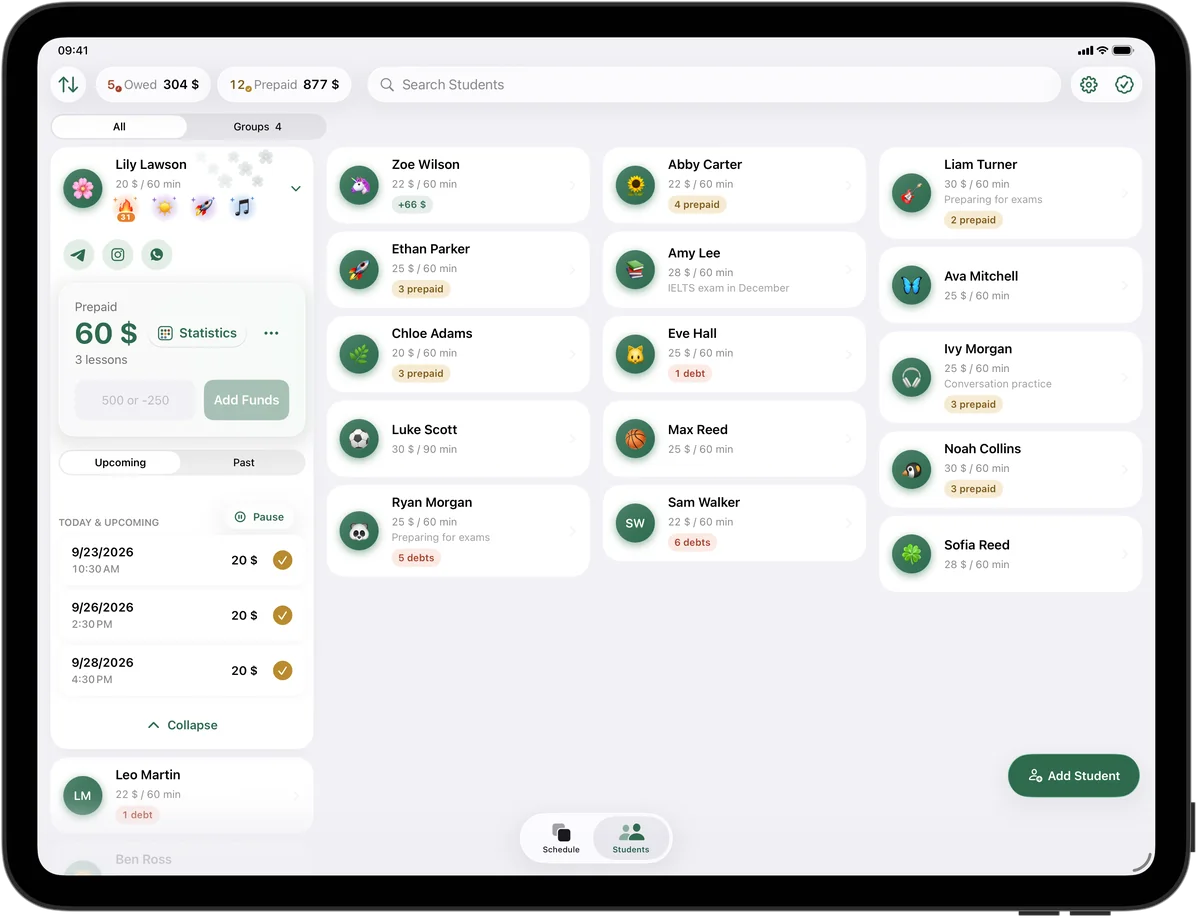
30, 45 or 60 minutes, depending on the level
Each student has their own lesson length and price. Presets cover 45, 60, 90 and 120 minutes, and a 30-minute beginner lesson takes a few seconds with “Other”.
When a student moves up a level in September, change the length and price with “This & Future”: every following lesson updates, and the lessons already taught and paid stay exactly as they were.
Back-to-back siblings
Two brothers at 4:00 and 4:30 on Tuesday are two students, each with their own weekly lesson, price and balance. If their mom pays for both at once, split the payment with “Add Funds” on each child, and the studio list still shows exactly which child is paid up.
Try it free for 14 days · No card required. Subscribe only once the app has proven it's worth it to you.
Download on the App Store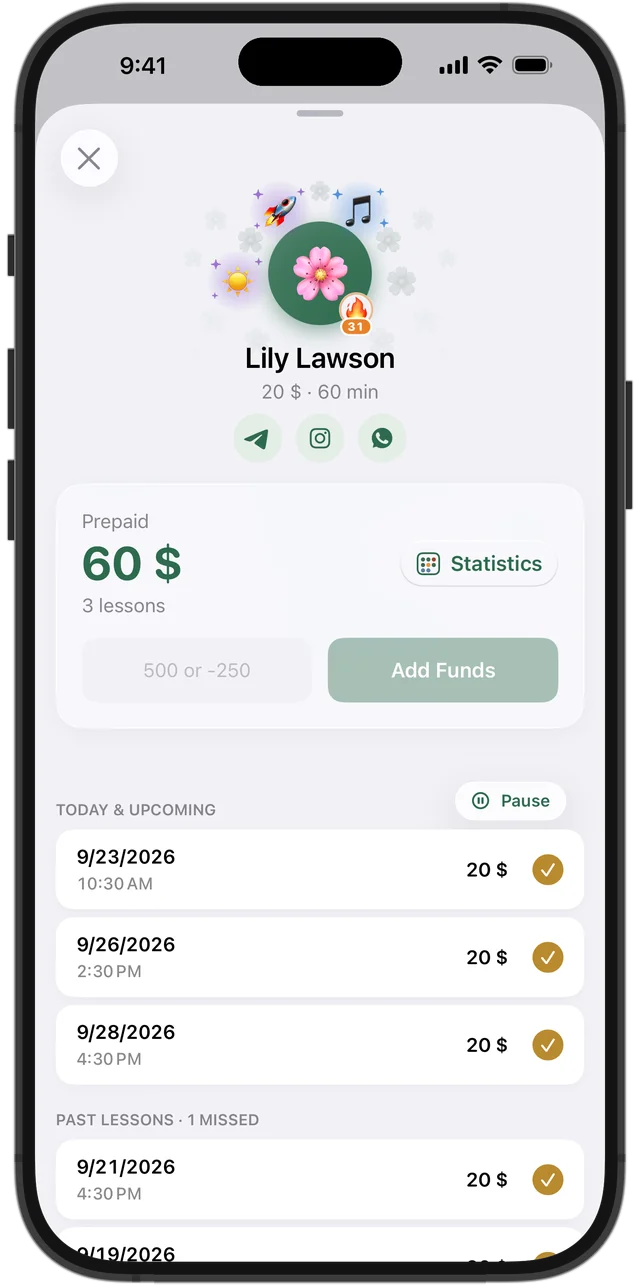
Tuition by the month or by the semester
Squool counts money per lesson. When a family pays semester tuition in September, add it to the student's balance: lessons are paid one by one as they happen, and the rest stays as prepaid. Months with five Tuesdays or a missed week sort themselves out, because the balance simply carries on.
A lesson the student missed without warning is charged; a cancelled one isn't, and the prepaid money goes to the make-up or the next lesson.
Recital and exam season
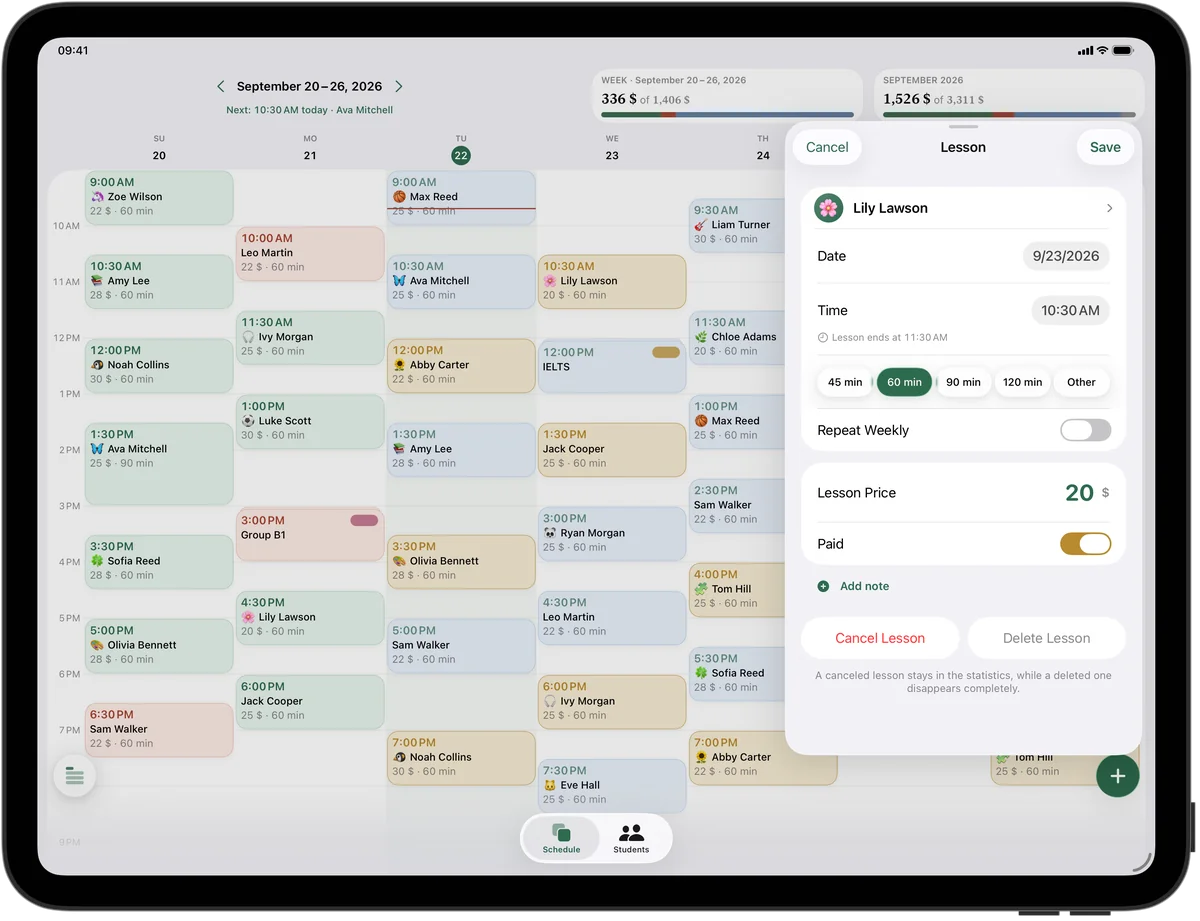
Before the winter or spring recital, a festival audition or a Royal Conservatory exam, students may need extra time. Add a one-time lesson in a free hour of the grid, without changing the weekly schedule. Rehearsing a duet? Make it a group lesson for two students, each at their own price.
Practice regularity kids can see
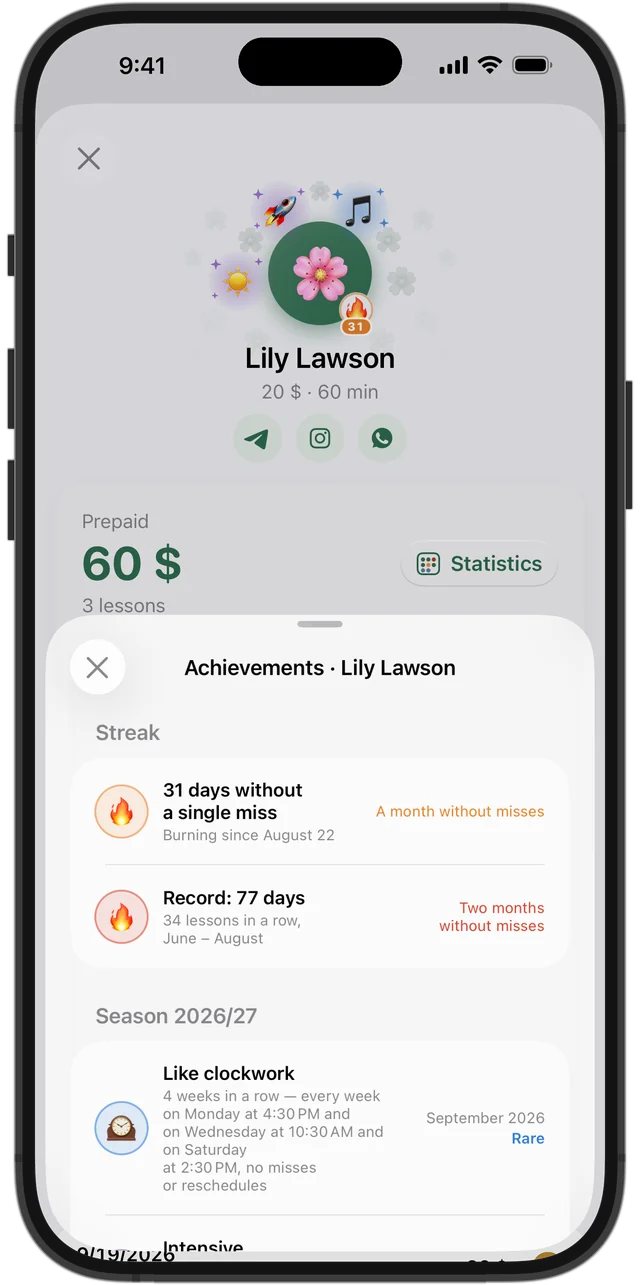
Piano progress comes from showing up every week. Squool gives students achievements on its own — “Every week”, “Like clockwork”, “Iron discipline” — in common, rare, epic and legendary colors, and a 🔥 streak next to the avatar. Kids love hearing that their streak is still alive.
A glance between lessons
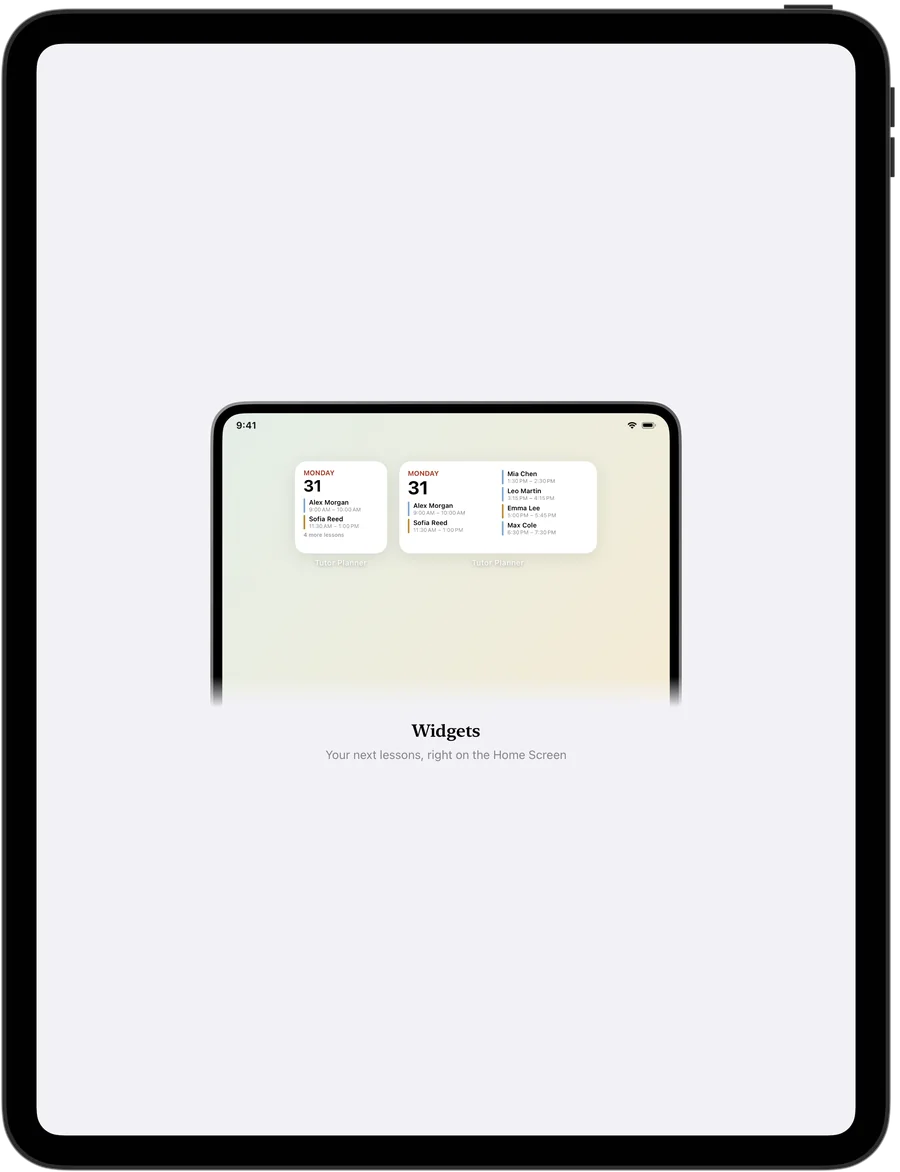
Home Screen widgets show who's next, Apple Watch shows the current and next lesson right at the piano, and a reminder arrives before each one. Everything syncs between iPhone, iPad and Mac through your own iCloud, and your students' data never reaches the developer. Try it free for 14 days, no card needed.
Questions and answers
What's the best app for a piano teacher with a home studio?
If you teach alone and use an iPhone, iPad or Mac, Squool covers your weekly lessons, each student's balance, missed lessons and monthly income. It's free for 14 days, no card required.
How do I track semester tuition for piano lessons?
Add the tuition payment to the student's balance. Lessons are paid one by one as they happen, and the remaining amount stays prepaid.
Can I schedule 30-minute piano lessons?
Yes. Choose “Other” and set 30 minutes as the student's lesson length.
Can I see which piano students have been coming every week?
Yes. Achievements like “Every week” and a 🔥 streak appear next to consistent students.
Will parents see the schedule or get messages from Squool?
No. Squool is used only by the teacher; there's no parent portal, invoices or online payments.
Read also
Music teachers
Piano, guitar, violin and voice teachers: weekly lesson schedule, parent payments, prepaid balances and missed lessons on iPhone, iPad and Mac.
Tracking payments
A simple way to track tutoring payments: one balance per student, prepaid lessons, who owes you and how much. Works on paper, in a sheet or in an app.
Recurring lessons
How to plan a weekly tutoring schedule: students twice a week at different times, moving one lesson, changing time or price for future lessons, ending a series.
Try it free for 14 days
No card required. Subscribe only once the app has proven it's worth it to you.
Download on the App Store